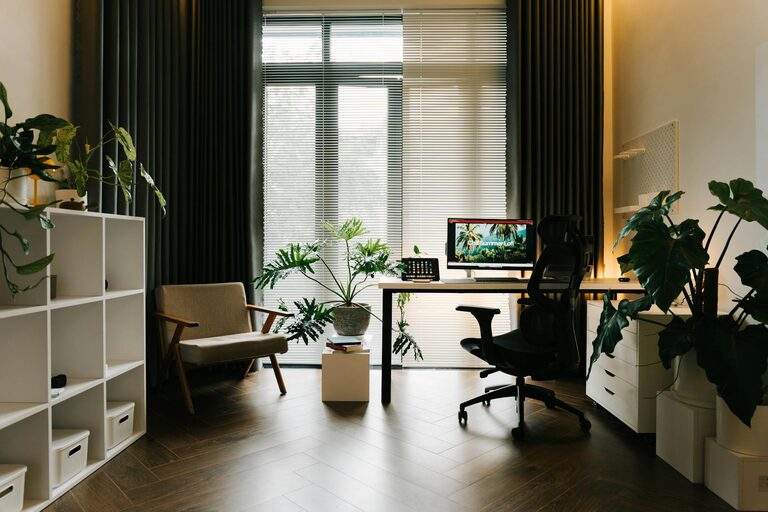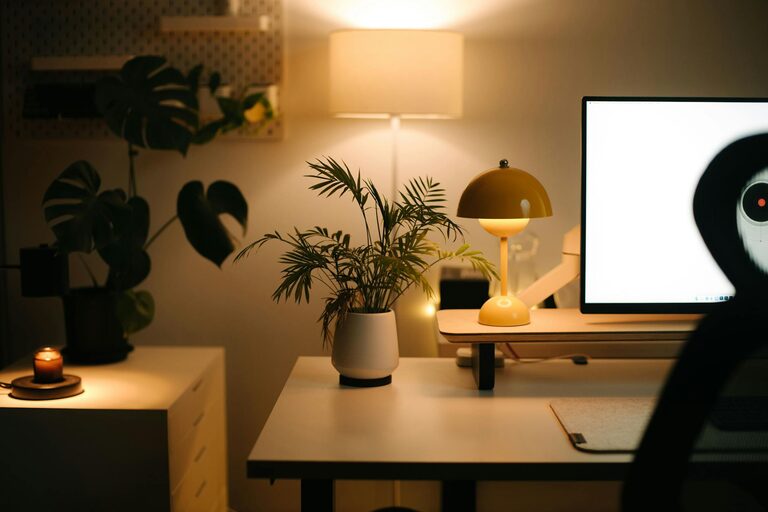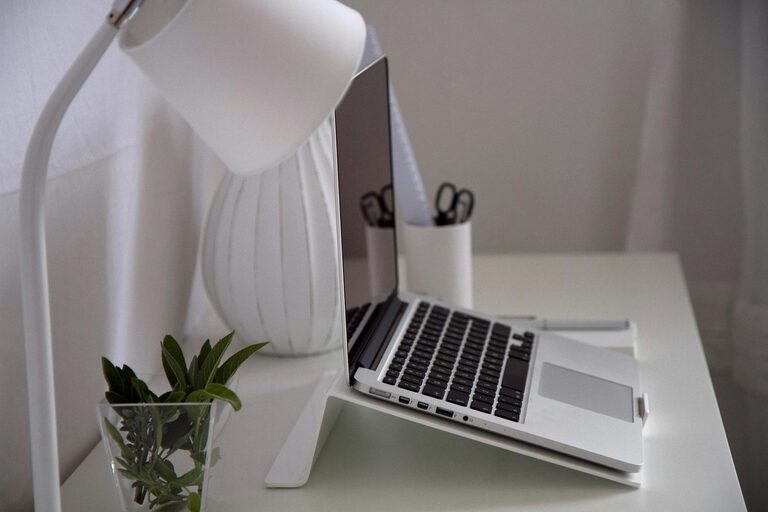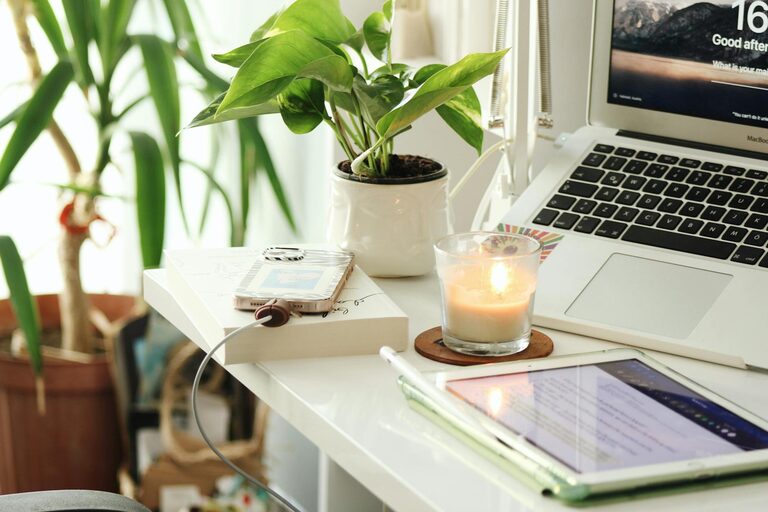









Creating a relaxing home workspace is essential for maintaining focus, reducing stress, and improving overall productivity. Whether you work remotely full-time or occasionally need a quiet spot to catch up on tasks, a thoughtfully designed workspace can make all the difference. Below are practical tips to help you set up a comfortable and efficient home office environment.
1. Choose the Right Location
Selecting the best spot in your home is the first step to creating a workspace that supports focus and relaxation.
– Find a quiet area: Look for a space with minimal noise and distractions, such as a spare room, corner of a bedroom, or a section in your living room.
– Consider natural light: Position your desk near a window if possible to take advantage of daylight, which can improve mood and reduce eye strain.
– Ensure privacy: If others share your home, try to use screens or room dividers to create boundaries.
2. Invest in Comfortable Furniture
Comfort is key to preventing discomfort and distractions during work hours.
– Ergonomic chair: Choose a chair with good lumbar support and adjustable height to keep your posture healthy.
– Desk size: Pick a desk that fits your equipment and allows you enough space to work without feeling cramped.
– Footrest and accessories: A footrest, wrist rest, or supportive cushions can further improve comfort.
3. Minimize Clutter With Smart Organization
A tidy workspace promotes concentration and a relaxed mindset.
– Use storage solutions: Drawers, shelves, and desk organizers help keep supplies and documents in order.
– Limit items on your desk: Maintain only the essentials within arm’s reach to reduce distractions.
– Cable management: Use clips or sleeves to keep cords organized and out of sight.
4. Incorporate Calming Elements
Adding personal touches that promote relaxation can make work more enjoyable.
– Plants: Indoor plants improve air quality and add a touch of nature.
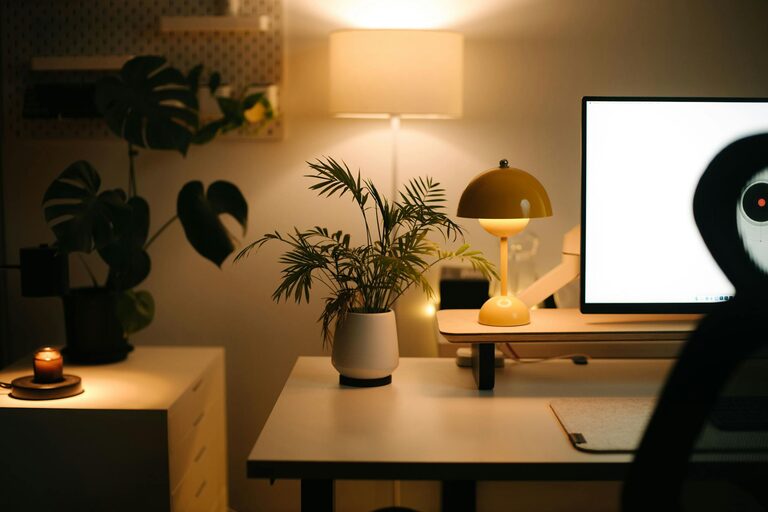
– Soft lighting: Use adjustable lamps or warm-toned bulbs instead of harsh overhead lighting.
– Artwork and colors: Decorate with soothing colors like blues or greens and meaningful artwork to enhance your mood.
5. Manage Technology Wisely
Technology can help or hinder productivity depending on how it’s set up.
– Reliable equipment: Ensure your computer, printer, and internet connection work smoothly to avoid frustration.
– Noise-cancelling headphones: These are helpful for blocking out interruptions and focusing on tasks.
– Limit notifications: Turn off non-essential alerts to maintain concentration.
6. Create a Routine and Set Boundaries
The physical space is just one part of staying productive; habits matter too.
– Set work hours: Define clear start and end times to create structure.
– Take breaks: Step away periodically to stretch, hydrate, or enjoy fresh air.
– Separate work and leisure: When work is over, avoid using your workspace to help shift your mindset.
7. Personalize Without Overcrowding
Making the space your own can inspire motivation and comfort but avoid overloading it.
– Inspirational quotes: Place one or two meaningful reminders to stay positive.
– Photos or mementos: Keep a few personal items that bring joy.
– Maintain simplicity: Remember that too many decorations can be distracting.
8. Ensure Good Air Quality and Temperature
Physical comfort is crucial for concentration and wellbeing.
– Ventilation: Open windows or use air purifiers for fresh air.
– Temperature control: Use fans or heaters as needed to keep your workspace comfortable.
—
Final Thoughts
Creating a relaxing home workspace doesn’t require a major renovation or expensive equipment. By paying attention to location, comfort, organization, and ambiance, you can build an environment that supports your productivity and helps you feel at ease throughout the day. Small changes can lead to big improvements in your work-from-home experience—start with one tip and gradually transform your workspace into your personal haven for focused, comfortable work.