






Creating a productive home office environment can make a significant difference in your workday. Whether you’re working remotely full-time or occasionally working from home, a well-designed space helps improve focus, comfort, and overall efficiency. Here are some practical tips to help you craft a workspace that supports your best work.
Choose the Right Location
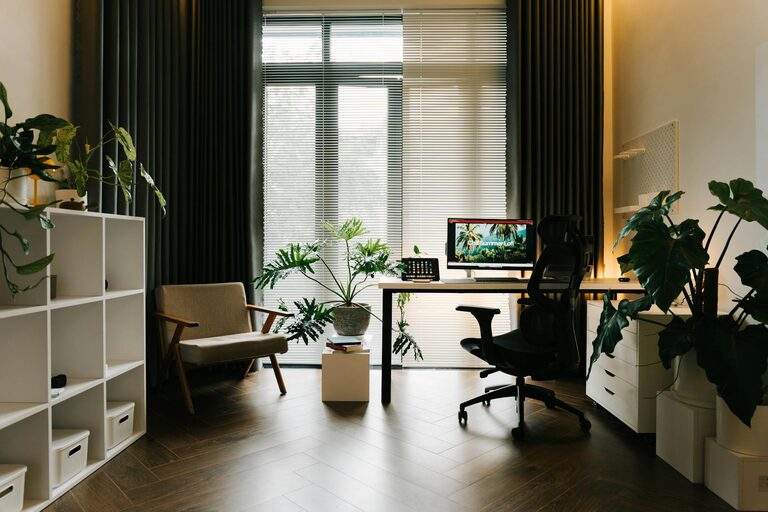
Finding the ideal spot in your home for a dedicated office space is the first step. Look for a quiet area with minimal distractions, good natural light, and enough room for your desk, chair, and necessary equipment.
Consider these factors:
– Privacy: Choose a spot away from busy household areas.
– Noise level: If possible, select a room where you can control ambient noise.
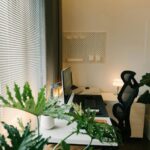
– Lighting: Natural light boosts mood and reduces eye strain. Position your desk near a window if possible.
Invest in Ergonomic Furniture
Comfort plays a vital role in productivity. An adjustable ergonomic chair and a desk at the right height will support good posture and prevent discomfort during long work hours.
Key furniture tips:
– Use a chair with lumbar support and adjustable height.
– Ensure your feet rest flat on the ground or on a footrest.
– Position your computer screen at eye level to avoid neck strain.
Organize Your Workspace Efficiently
A cluttered workspace can cause distraction and stress. Keep your desk tidy and organize materials so everything has its place.
Organization ideas:
– Use drawers, shelves, or storage boxes for supplies.
– Keep only essential items on your desk.
– Label files and containers for quick access.
– Regularly declutter your space to maintain order.
Optimize Lighting
Good lighting reduces eye strain and creates a pleasant atmosphere. Daylight is best, but when that’s not possible, use quality artificial lighting.
Lighting tips:
– Position your desk near a window for natural light.
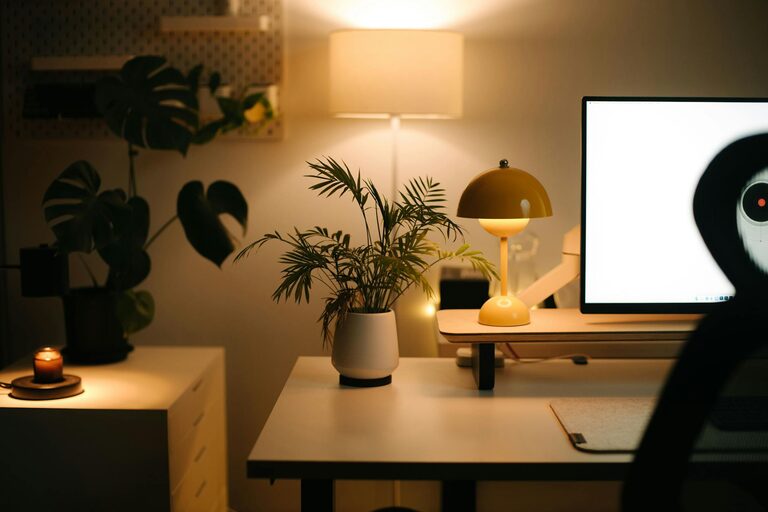
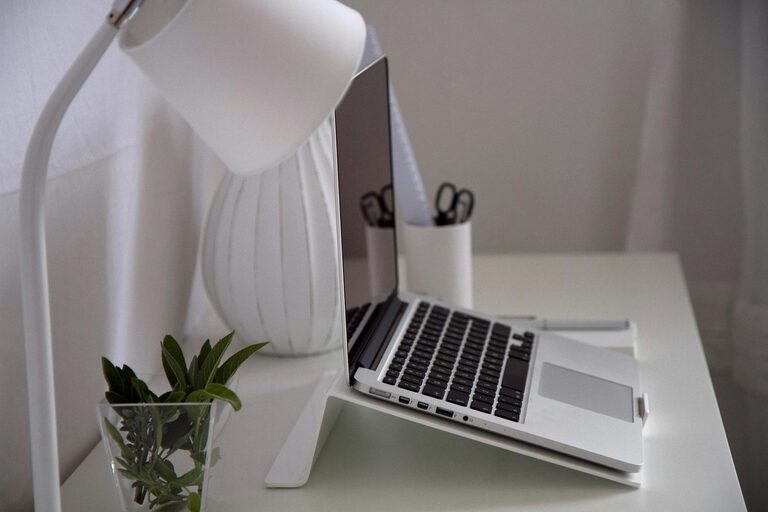
– Use adjustable desk lamps to focus light where needed.
– Avoid glare on your computer screen by adjusting blinds or curtains.
Minimize Distractions
To maintain concentration, it’s important to limit interruptions and distractions in your workspace.
How to minimize distractions:
– Turn off notifications on your phone or computer during work sessions.
– Use noise-cancelling headphones or white noise machines if you’re in a noisy environment.
– Communicate your work hours to family or housemates.
Enhance Your Workspace Ambience
Adding positive touches to your office can boost mood and motivation.
Ideas for a pleasant environment:
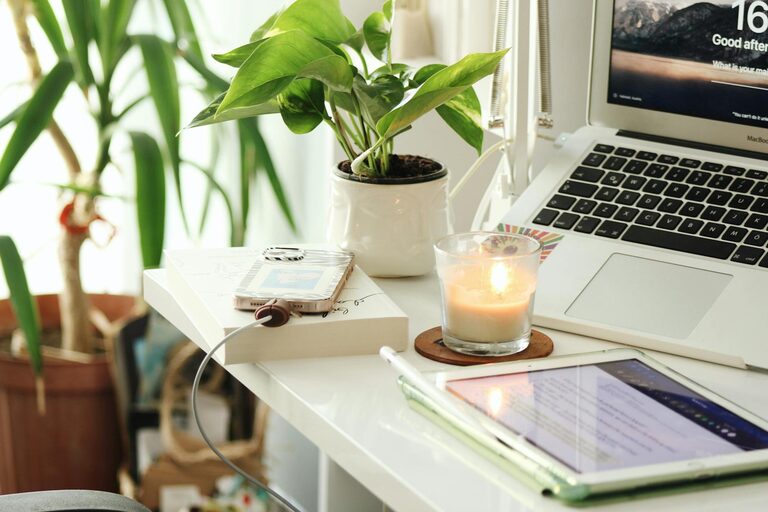
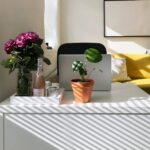
– Include some greenery – plants improve air quality and add calmness.
– Use colors and décor that inspire you.
– Play soft background music if it helps you focus.
Establish a Routine
A solid daily routine reinforces productivity. Set regular work hours and take scheduled breaks to recharge.
Routine building tips:
– Start your day by preparing your workspace and reviewing your tasks.
– Use techniques like the Pomodoro method to balance focused work and breaks.
– End the day by tidying your office and planning for tomorrow.
Use Technology Wisely
Modern tools can enhance your home office productivity.
Helpful tech advice:
– Invest in reliable internet and backup power solutions.
– Use productivity apps for task management and scheduling.
– Keep software and devices updated to avoid technical issues.
Prioritize Health and Wellbeing
Your physical and mental health affect your work quality.
Health tips for your home office:
– Take regular breaks to stretch and move around.
– Maintain good posture.
– Stay hydrated and keep healthy snacks nearby.
Conclusion
Setting up a productive home office doesn’t require a large budget or complex equipment. By thoughtfully choosing your space, organizing efficiently, minimizing distractions, and paying attention to comfort and wellbeing, you can create a work environment that supports your best performance every day.
Take the time to customize your home office to fit your needs and preferences, and watch how it positively affects your focus, creativity, and job satisfaction.