








Creating a cozy and productive home office space is more important than ever as many of us spend increasing amounts of time working from home. A well-designed workspace not only enhances your efficiency but also makes your workday more enjoyable. In this post, we’ll share practical tips to help you set up a home office that strikes the perfect balance between comfort and productivity.
Choose the Right Location
Find a Quiet Spot
Select a place in your home with minimal distractions. Ideally, it should be away from high-traffic areas like the kitchen or living room. A quiet environment helps you stay focused throughout your workday.
Utilize Natural Light
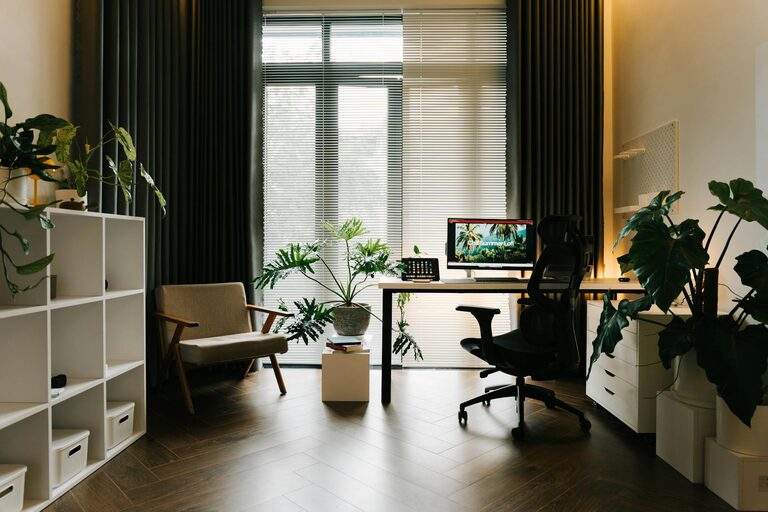
Position your desk near a window if possible. Natural light boosts mood and reduces eye strain. If natural light is limited, invest in good quality task lighting to brighten your workspace without causing glare on your screen.
Invest in Comfortable and Functional Furniture
Select an Ergonomic Chair
Your chair should support good posture to prevent discomfort during long working hours. Look for adjustable seats with lumbar support and comfortable cushioning.
Choose a Suitable Desk
The size and height of your desk matter. Make sure it has enough surface area for your computer, notebooks, and any other equipment you need. Standing desks or adjustable-height desks can offer flexibility if you want to alternate between sitting and standing.
Organize for Efficiency
Declutter Regularly
Keep your workspace tidy. Declutter at the end of each day to clear your mind and prepare for the next one. Use storage boxes or bins to keep papers and supplies out of sight but easily accessible.
Use Organizational Tools
Consider desk organizers, filing baskets, and cable management systems. These help streamline your space, so you spend less time searching for items and more time working.
Personalize Your Space
Add Comforting Elements
Incorporate soft cushions, a cozy throw blanket, or a comfortable rug to add warmth. These little touches can make your office feel inviting and help reduce stress.
Decorate Thoughtfully
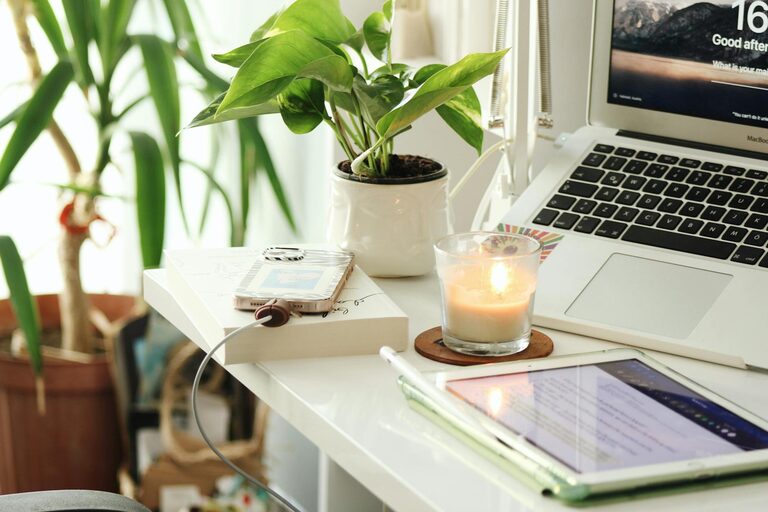
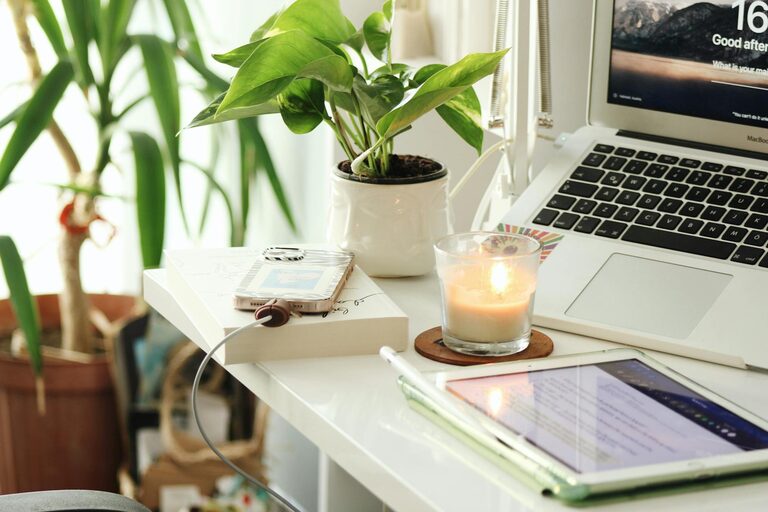
Include items that inspire and motivate you, like plants, artwork, or photos. Greenery, in particular, can improve air quality and create a calming atmosphere.
Optimize Technology Setup
Ensure Proper Equipment
Use a reliable computer or laptop, monitor, keyboard, and mouse. Consider investing in noise-cancelling headphones to block distractions if you work in a shared household.
Position Screens Correctly
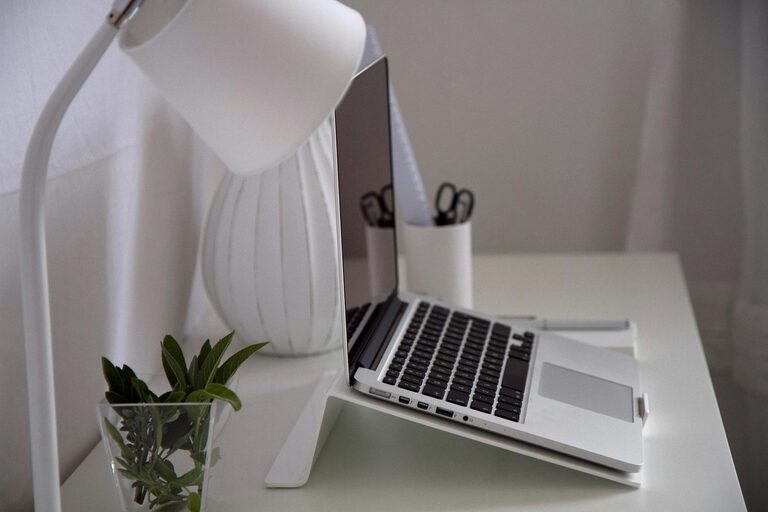
Your screen should be at eye level to avoid neck strain. Use a monitor stand if needed and maintain a proper viewing distance — about arm’s length is ideal.
Create a Routine and Boundaries
Define Work Hours
Set clear start and end times for your workday to maintain balance between professional and personal life. Communicate your schedule to others in your household to minimize interruptions.
Take Breaks
Incorporate short breaks throughout your day. Stretch, walk around, or practice deep breathing exercises to stay refreshed and prevent burnout.
Keep Air Quality and Temperature in Check
Ventilate Your Space
Open windows regularly or use an air purifier to maintain fresh air. Good air circulation supports concentration and wellbeing.
Adjust Temperature for Comfort
Make sure your office isn’t too hot or too cold. A comfortable room temperature helps avoid distractions and keeps you comfortable during work hours.
Lighting Matters
Use Layered Lighting
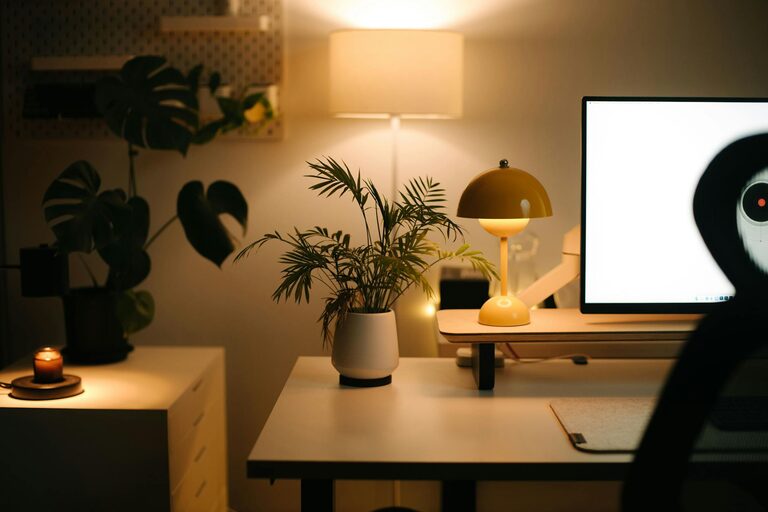
Combine ambient lighting with task lighting for better visibility. Adjustable lamps help you focus on detailed tasks while general lighting reduces eye strain when you move around.
Minimize Glare
Position lights and screens to avoid reflections. Consider using blinds or curtains to control sunlight intensity during the day.
—
Creating a cozy, well-organized home office doesn’t have to be complicated or expensive. By thoughtfully setting up your environment, you’ll create a space that supports both relaxation and productivity, helping you make the most of your work-from-home experience. Remember, small changes can make a big difference—start with a few adjustments, and gradually build your ideal workspace.